

Office 365 ProPlus (now known as Microsoft 365 Apps for Enterprise) is a subscription-based version of Microsoft Office. It includes the full suite of Microsoft Office desktop appsWord, Excel, PowerPoint, Outlook, OneNote, Publisher, and Access along with cloud-based services and enhanced security features.
Microsoft 365 Apps for enterprise (formerly Office 365 ProPlus) is developed by Microsoft, and it’s the enterprise-tier desktop application package that includes Word, Excel, PowerPoint, Outlook, Access, Publisher, OneNote, and Teams, delivered through Click-to-Run streaming installation rather than a traditional full download-then-install process. MS Office 2021 is a genuinely different licensing model, a one-time perpetual purchase, while this product is subscription-only, bundled into a Microsoft 365 enterprise plan rather than sold as a standalone consumer download.
That distinction matters more than it might seem. This isn’t something an individual buys directly off Microsoft’s consumer store, it’s included with various Microsoft 365 enterprise subscriptions, and which specific apps and features you get access to depends on the license your organization has assigned you. OnlyOffice is a genuinely free, open-source alternative worth considering if you’re an individual or small team without an existing enterprise Microsoft agreement and don’t want to navigate business licensing tiers just to get a modern Office-compatible suite.
The core value proposition, regardless of the name change, is continuous updates and multi-device flexibility. Each license supports installation across up to 5 devices per user, spanning PCs, Macs, tablets, and phones, a meaningful difference from a single-device perpetual license. Apps update automatically and continuously rather than waiting for a major annual release, which means new features and security patches arrive incrementally rather than in a big, disruptive version jump.
Key Features
- Includes Word, Excel, PowerPoint, Outlook, Access, Publisher, OneNote, and Teams
- Click-to-Run streaming installation and updates
- Installation supported on up to 5 devices per user
- Continuous feature and security updates, no major version jumps
- Cloud integration with OneDrive and SharePoint for file storage and collaboration
- Access and Publisher included on Windows (not available on Mac installations)
- Centralized management through Microsoft Intune or Endpoint Configuration Manager
- Included as part of qualifying Microsoft 365 enterprise subscription plans
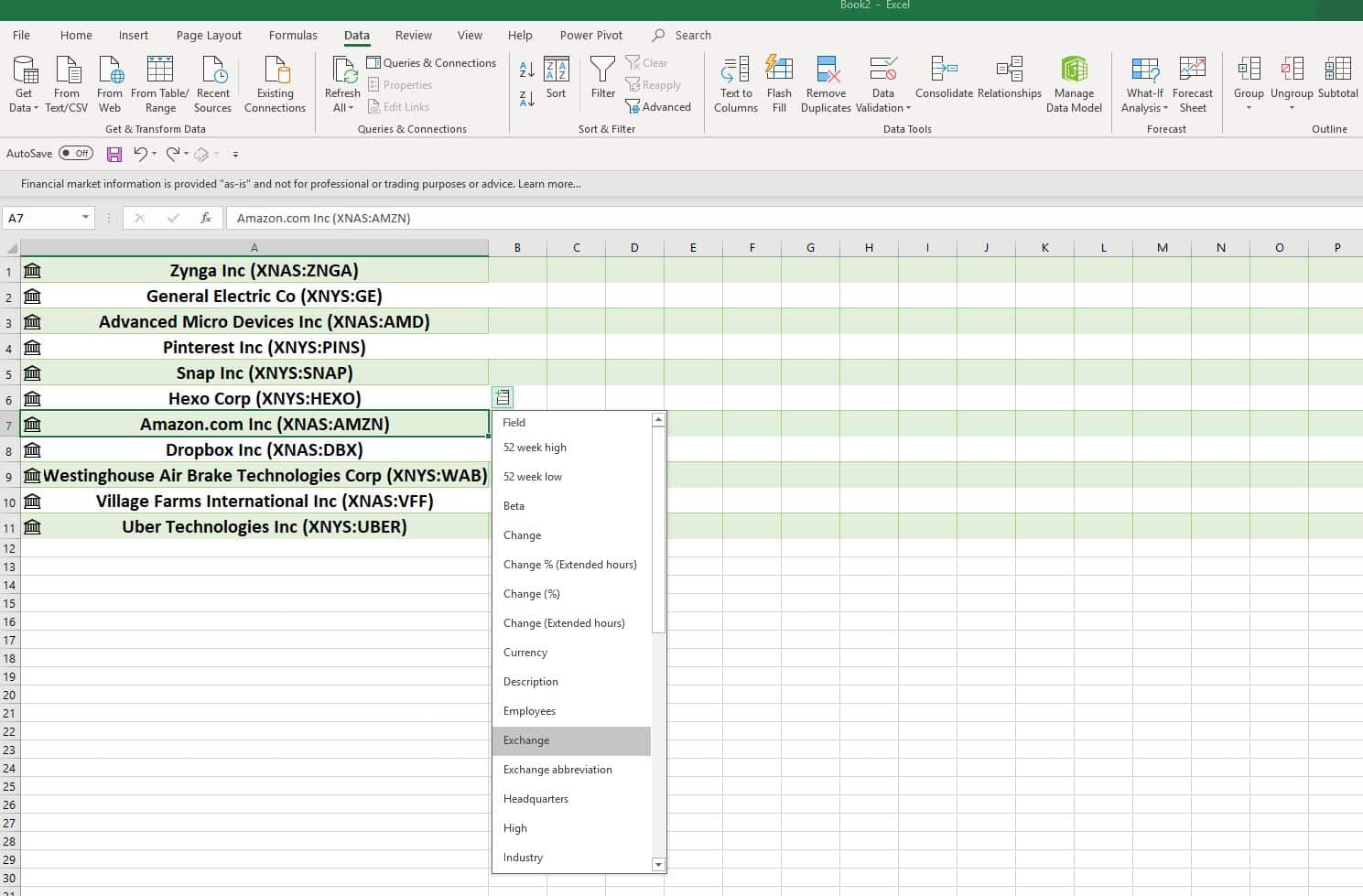
Screen Shots

System Requirements
- Operating System: Windows 7/8/8.1
- Memory (RAM): 1GB of RAM required.
- Hard Disk Space: 3GB of free space required.
- Processor: 1GHz processor or faster.
Why I Recommend
The multi-device licensing is the strongest practical argument in favor of this model over a single-device perpetual license. Someone working across a desktop, laptop, and tablet gets full functionality on all 3 under one license, which matters more now that hybrid and remote work spans multiple devices as a matter of course rather than an edge case.
Where I’d manage expectations directly: this isn’t something you can just “download for free” as an individual. It requires an active Microsoft 365 enterprise subscription managed by an organization’s IT admin, and pricing and availability depend entirely on which plan tier your business or institution has purchased. If you’re an individual without an existing enterprise agreement, MS Office 2021’s perpetual license or a free alternative like OnlyOffice will get you working software faster and without navigating enterprise licensing.
The rename also affected how IT departments manage updates behind the scenes, not just the label users see. Organizations relying on Endpoint Configuration Manager with automatic deployment rules had to update those rules to reference the new “Microsoft 365 Apps Update” naming in the Microsoft Update Catalog, since the old “Office 365 Client Update” name stopped being used going forward. That’s a relevant detail for IT admins specifically, even if it’s invisible to the end user actually opening Word or Excel day to day.
For anyone managing office software across a team, our Office Productivity section has more tools worth comparing against an enterprise subscription model like this one.
You May Also Like
Technical Details
- Developer: Microsoft
- Current name: Microsoft 365 Apps for enterprise (formerly Office 365 ProPlus, renamed April 2020)
- Platform: Windows, macOS
- License: Subscription only, included with qualifying Microsoft 365 enterprise plans, no standalone consumer purchase option
- Installation: Click-to-Run streaming, up to 5 devices per user
Download Information
Download | Size: 3.11 MB | Pass: Mazterize.in


