
Adobe Photoshop 2026 v27.0 represents a new era in creative software, moving beyond simple automation to a fully agentic, multi-model AI ecosystem. Released during the Adobe MAX 2025 event, this version solidifies Photoshop’s position as the ultimate professional workspace by allowing artists to integrate third-party AI logic directly into their layer-based workflows. Whether you are performing high-end commercial retouching or generating complex surrealist composites, Photoshop 2026 provides the speed of generative AI with the surgical precision of traditional manual tools.
The core of the 2026 experience is “Creative Choice.” For the first time, the Generative Fill tool is no longer limited to a single engine. Users can toggle between the commercially safe Adobe Firefly, the prompt-accurate Gemini Nano Banana, or the perspective-perfect Flux model. This flexibility allows designers to choose the specific “personality” of the AI to match their project—whether that means hyper-realistic textures for a product mockup or imaginative, stylized additions for a digital painting. Combined with the new Generative Upscale powered by Topaz Labs, Photoshop 2026 ensures that every generated element meets 300DPI print standards.
For the professional studio, v27.0 delivers essential quality-of-life improvements including the Harmonize tool (now in general release), which intelligently matches lighting and shadows between layers. The update also introduces a dedicated Color and Vibrance adjustment layer that includes native Temperature and Tint controls, effectively bringing the power of Camera Raw directly into the standard layers panel. With its refined memory management and scratch disk optimization, Photoshop 2026 remains the most stable and high-performance imaging tool for the modern 2026 workstation.
🚀 Version v27.0 Feature Highlights (2026 Update)
- Multi-Model AI: Use Gemini 2.5 Nano Banana or Flux.1 Kontext directly inside Generative Fill.
- Generative Upscale: Native integration of Topaz Gigapixel and Bloom for 8K resolution enhancement.
- On-Device Masking: Improved Select Subject and Remove Background results processed locally on your hardware.
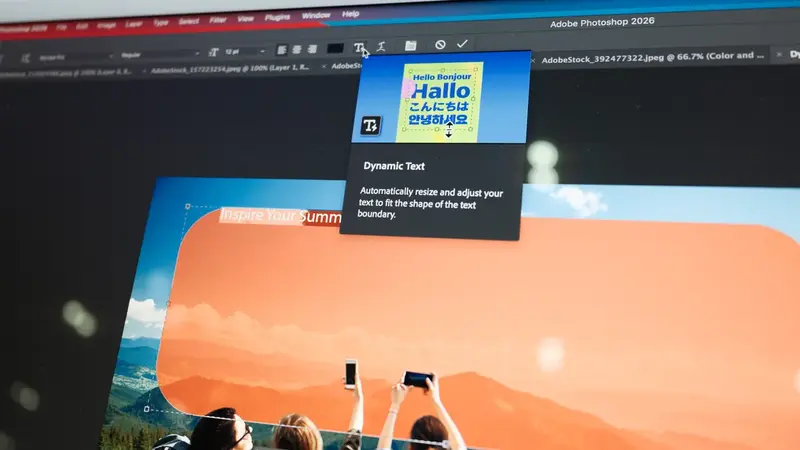
- Dynamic Text: Live text formatting and reflow controls within the Contextual Task Bar for faster layouts.
- Harmonize 2.0: Automatically generates realistic shadows and lighting matches for composite subjects.
Key Features
- Selectable Generative Models – Switch between AI partners to find the best fit for your specific prompt and artistic style.
- Advanced Remove Tool – Now features “Distraction Removal” for automatically detecting and erasing wires, people, and power lines.
- Neural Filters 3.0 – High-speed AI denoising and sharpening that restores detail in low-light photography using local NPU power.
- Non-Destructive White Balance – New adjustment layers allow for temperature and tint fixes without needing to exit to Camera Raw.
- Perspective-Aware Fill – Flux.1 integration ensures that generated objects follow the vanishing points and perspective of your original shot.
- Variable Font Support – Enhanced controls for OpenType-SVG and variable fonts with real-time on-canvas glyph alternatives.
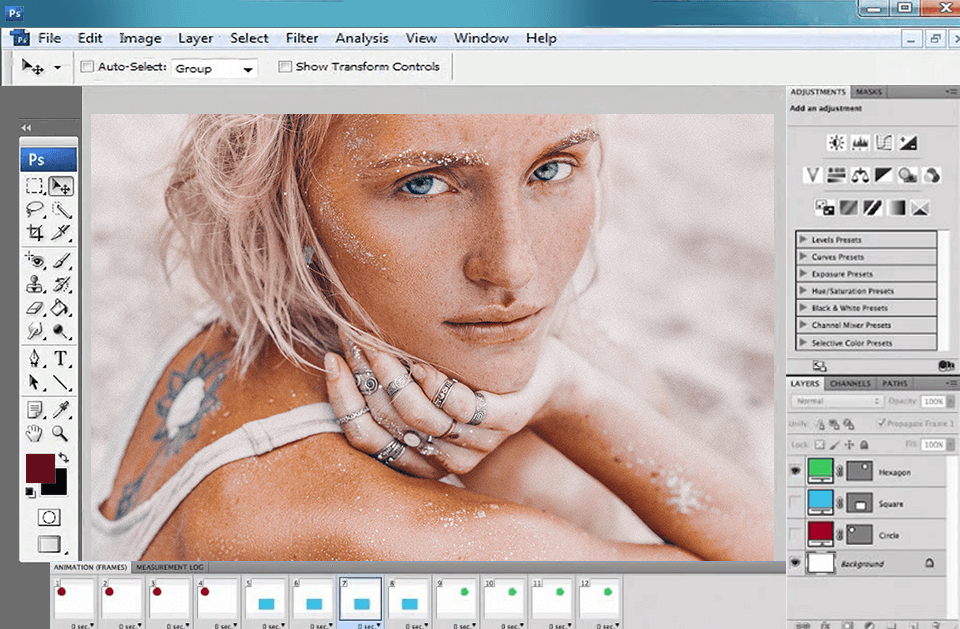
Screenshot:
System Requirements
| Requirement | Windows | macOS |
|---|---|---|
| OS | Windows 11 24H2 / 10 22H2+ | macOS 14 (Sonoma) / 15 (Sequoia) |
| Processor | Intel 12th Gen / Ryzen 5000+ | Apple Silicon M1/M2/M3/M4 |
| RAM | 16 GB (32 GB for 4K/AI) | 16 GB Unified Memory |
| Graphics | GPU with 4 GB VRAM (DirectX 12) | Metal Support with 4 GB VRAM |
FAQs
Other Software You May Like
Quick Summary
- Primary Use: Professional photo editing, digital art, and enterprise-grade design.
- Key Advantage: Multi-model AI flexibility (Gemini/Flux) and integrated Topaz upscaling.
- Mazterize Verdict: A mandatory update for designers who need the highest level of AI control combined with professional-grade finishing tools.
Download Information
- Software Name: Adobe Photoshop 2026
- Version: 27.0.0 (Build 2026)
- File Size: 5.45 GB (Win) / 2.1 GB (Mac)
- License Type: Full Version
Adobe Photoshop 2026 v27.0 for Windows and Mac Full Version
Windows
Download | Size: 5.45 GB | File Pass: Mazterize.in
Mac
Download | Size: 8.99 GB | File Pass: Mazterize.in